First Time Using Maya to Deposit on Royale Casino – Complete Walkthrough
First Time Using Maya to Deposit on Royale Casino – Complete Walkthrough
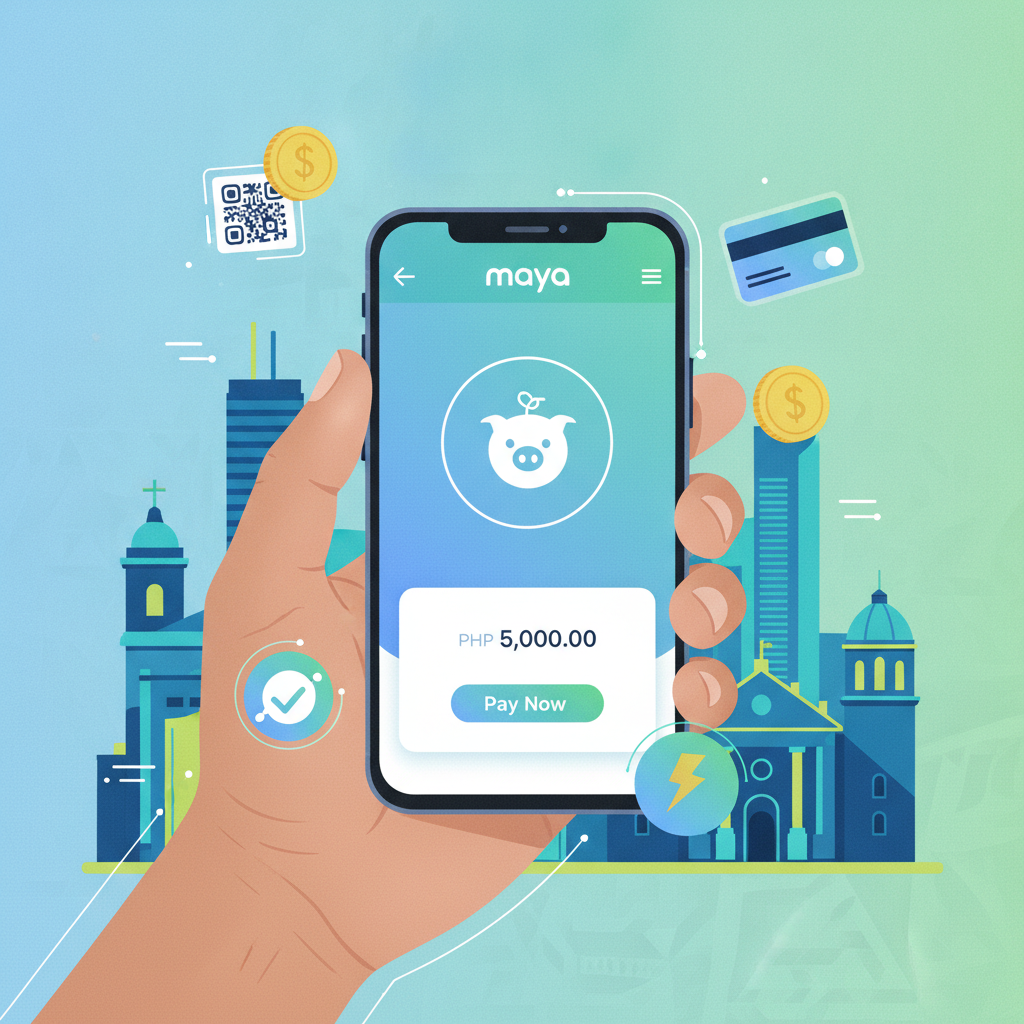
Maya is one of the most popular e-wallet options for Filipino players depositing on Royale Casino. If you already use Maya for daily transactions, you can fund your casino account in a few taps without switching apps or entering long bank details.
This guide walks first-time users through the entire Maya deposit process on Royale Casino, from minimum amounts to confirming the funds hit your account balance.
For players 21 years old and above only. Always set a deposit limit you can afford and treat casino play as entertainment, not a source of income.
Minimum Deposit via Maya and How It Compares to GCash
Royale Casino sets a minimum deposit of PHP 100 when using Maya. This matches the floor for GCash and most bank-transfer methods, making Maya a practical choice if you prefer smaller deposits while testing games or managing your budget.
Maya vs GCash: What's the Difference?
Both e-wallets process deposits instantly in most cases, and both let you top up through 7-Eleven, convenience stores, or linked bank accounts. The main differences:
- Processing speed: Maya and GCash deposits usually appear within seconds, though occasional delays of 5–15 minutes can happen during high-traffic periods.
- Fees: Royale Casino does not charge a deposit fee for either wallet. Maya itself does not charge for sending money to merchants, but check your Maya app for any service fees tied to your account type or top-up method.
- Availability: If your Maya wallet is already verified and funded, it can be faster than waiting for a GCash OTP—or vice versa. Use whichever wallet you already have active.
For most players, the choice comes down to which e-wallet already sits on your phone. If you use Maya for groceries, bills, or online shopping, it makes sense to use the same wallet for Royale Casino deposits.
Step-by-Step Guide to Depositing with Maya on Mobile
Royale Casino's deposit flow is built for mobile-first users. You can complete the entire process without leaving your phone. Before you start, make sure:
- You have an active Maya account with sufficient balance (at least PHP 100).
- You are logged in to your Royale Casino account. If you have not registered yet, you will need to complete the Royale Casino register process and verify your mobile number first.
Step 1: Open the Royale Casino App or Mobile Site
Launch the Royale Casino app or visit the mobile website through your browser. Tap Login and enter your registered mobile number or email and password. Once inside, you will see your account dashboard.
Step 2: Navigate to the Deposit Page
Look for the Deposit button, usually found in the top-right corner, main menu, or account section. Tap it to open the deposit screen.
Step 3: Select Maya as Your Payment Method
The deposit page displays a list of available payment channels: GCash, Maya, bank transfer (InstaPay, PESONet), and sometimes others. Tap Maya to proceed.
Step 4: Enter Your Deposit Amount
A field will appear asking how much you want to deposit. Type in any amount from PHP 100 upward. Common first-time deposits are PHP 100, PHP 200, or PHP 500.
Double-check the amount—once you confirm, the request goes to Maya immediately.
Step 5: Confirm and Authorize in the Maya App
After tapping Confirm or Proceed, Royale Casino will redirect you to the Maya payment gateway. Your Maya app may open automatically, or you will see a Maya login screen in your browser.
- Log in to Maya using your PIN, password, or biometric authentication.
- Review the payment details: recipient name (usually the casino's payment processor), amount, and reference number.
- Tap Pay or Confirm Payment.
Maya will process the transaction and display a confirmation screen with a reference or transaction ID. Take a screenshot or note this number—it helps if you need to contact support later.
Step 6: Return to Royale Casino
Once Maya confirms payment, the screen should redirect you back to Royale Casino. You will usually see a "Payment Successful" or "Processing Deposit" message.
How to Confirm Your Deposit Went Through
After completing the Maya payment, your deposit should appear in your Royale Casino account balance within a few seconds to a few minutes.
Check Your Royale Casino Balance
- From the main lobby or dashboard, look for your Account Balance or Wallet section, often displayed at the top of the screen.
- Refresh the page or close and reopen the app if the balance has not updated.
- The deposited amount should now appear in your available balance, ready to use on slots, live dealer tables, sports betting, or bingo.
Check Your Transaction History
For extra peace of mind, navigate to Transaction History, Deposit History, or Account Statement in the Royale Casino menu. This log shows every deposit and withdrawal, including:
- Date and time
- Payment method (Maya)
- Amount
- Status (Pending, Completed, Failed)
- Reference number
If the status shows Completed and the amount matches what you sent, your deposit is confirmed.
Check Your Maya Transaction Record
Open the Maya app and tap Transactions or Activity. You should see an outgoing payment to Royale Casino's payment gateway, along with the reference ID and timestamp. If Maya shows the payment as successful but Royale Casino has not credited your account, the delay is likely on the casino side—not Maya.
What to Do If the Deposit Doesn't Appear Immediately
In most cases, Maya deposits arrive within seconds. Occasionally, you might experience a short delay. Here's what to do.
Wait 15 Minutes and Refresh
Network congestion, system maintenance, or high transaction volumes can slow processing. Wait 10 to 15 minutes, then refresh your Royale Casino balance or log out and log back in. Many "missing" deposits resolve themselves during this window.
Double-Check That Maya Deducted the Amount
Open your Maya app and confirm the payment left your wallet. If Maya still shows the full balance and no outgoing transaction, the payment may not have gone through. In that case, try depositing again.
If Maya deducted the amount but Royale Casino has not credited it, proceed to the next step.
Gather Your Transaction Details
Before contacting support, collect:
- Maya reference or transaction ID (from the Maya app)
- Deposit amount (e.g., PHP 200)
- Date and time of the transaction
- Screenshot of the Maya payment confirmation (optional but helpful)
Contact Royale Casino Support
Royale Casino provides customer support through:
- Live chat (often available 24/7 on the website or app)
- Email (check the Contact or Help section for the address)
- Phone or messaging apps (some platforms offer Viber or Telegram support)
Explain that your Maya deposit has not appeared, provide the reference ID and amount, and ask them to check the payment processor logs. Support teams can usually trace the transaction within a few hours and manually credit your account if the payment is confirmed on Maya's end.
Avoid Depositing Again Right Away
If your first deposit is still pending or under investigation, do not send a second payment for the same amount. You might end up with duplicate deposits, which can complicate refunds or withdrawals later.
Tips for Smooth Maya Deposits Going Forward
Once your first deposit succeeds, future transactions become even faster. Keep these tips in mind:
- Keep your Maya account verified. A fully verified Maya account (with valid ID uploaded) has higher transaction limits and fewer holds.
- Maintain sufficient balance. Top up your Maya wallet before you plan to deposit, so you are not rushing between apps.
- Save your transaction IDs. Keep a simple note or screenshot folder for deposit references. It speeds up support requests if needed.
- Deposit during off-peak hours. Early mornings or weekday afternoons often see less network traffic, reducing the chance of delays.
- Set a deposit budget. Decide in advance how much you will deposit per week or month, and stick to it. Royale Casino and Maya both support responsible gambling tools—use them.
21+ Only and Responsible Gambling Reminder
Royale Casino is intended for players 21 years old and above only. Online casino games, sports betting, and bingo are forms of entertainment that carry financial risk. Never deposit more than you can afford to lose, and never chase losses by depositing again immediately.
If you feel your gambling is becoming a problem, consider setting deposit limits in your Royale Casino account settings or taking a break. Reach out to local support resources or responsible gambling organizations for help.
Final Thoughts
Using Maya to deposit on Royale Casino is straightforward: choose Maya as your payment method, enter at least PHP 100, authorize the payment in the Maya app, and watch your balance update within minutes. The process is mobile-friendly, secure, and nearly instant in most cases.
If you run into delays, wait a few minutes, double-check your Maya transaction history, and contact Royale Casino support with your reference ID. Once your first deposit clears, you will be ready to explore slots, live dealer games, PBA and NBA sports betting, and more—all from your phone, funded with the e-wallet you already use every day.
Play responsibly. 21+ only.